New release: Doks v4.0.0
We’ve just released Doks v4.0.0 with exciting new features, numerous improvements, and important compatibility changes.
What’s new in this version?
Ghost v6 compatibility:
All theme warnings are now fixed.
Offline docs:
The theme ZIP file now includes an offline documentation that you can access by opening the file documentation/index.html in your browser.
New grays:
The theme setting Gray scale now includes four new options: Taupe, Mauve, Mist, and Olive. Choose the one that better matches your brand.
New fonts:
The theme setting Body font and Headings font now includes more options: Fira Sans, JetBrains Mono, Merriweather, Merriweather Sans, Noto Sans, Noto Serif, Poppins, and Nunito.
New header style:
We added an alternative header layout that replaces the large search input with membership buttons. You can choose this option in the new theme setting Header style.
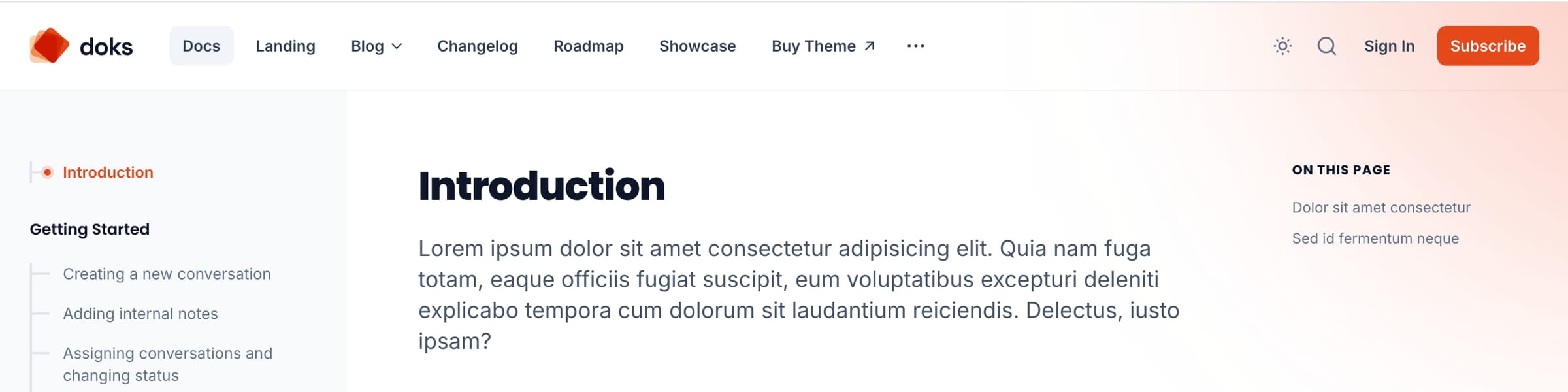
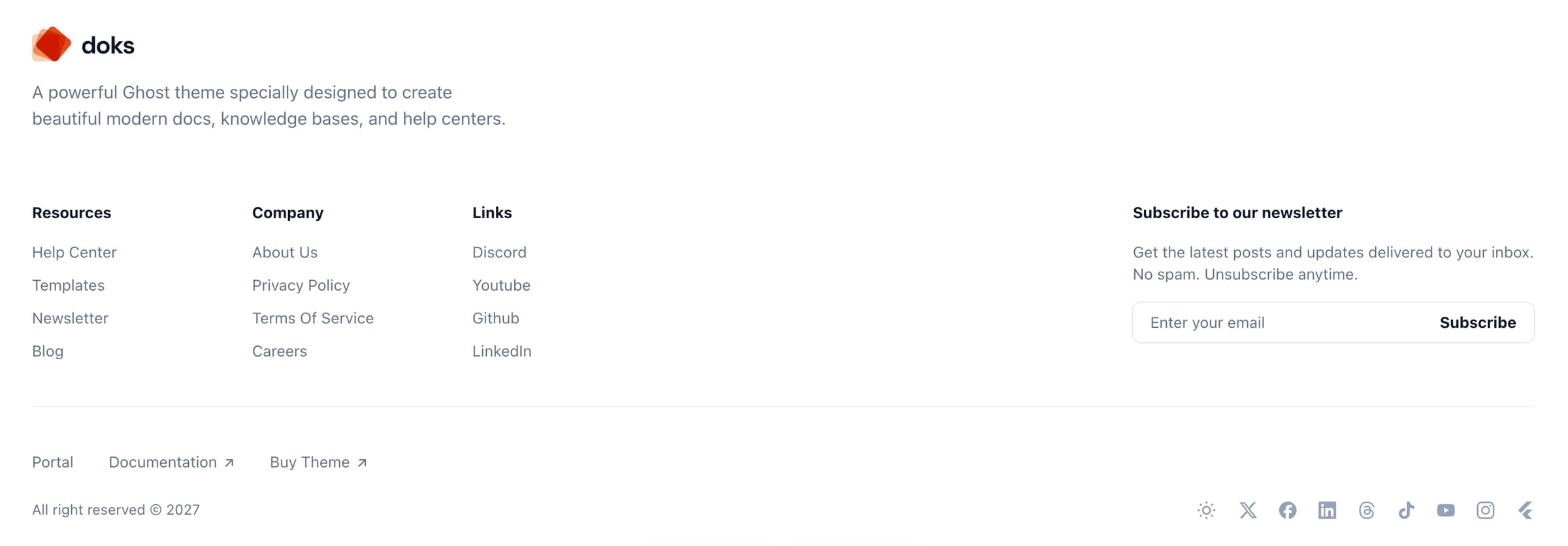
Footer columns:
Similar to the header dropdowns, you can now create footer columns using secondary navigation items.
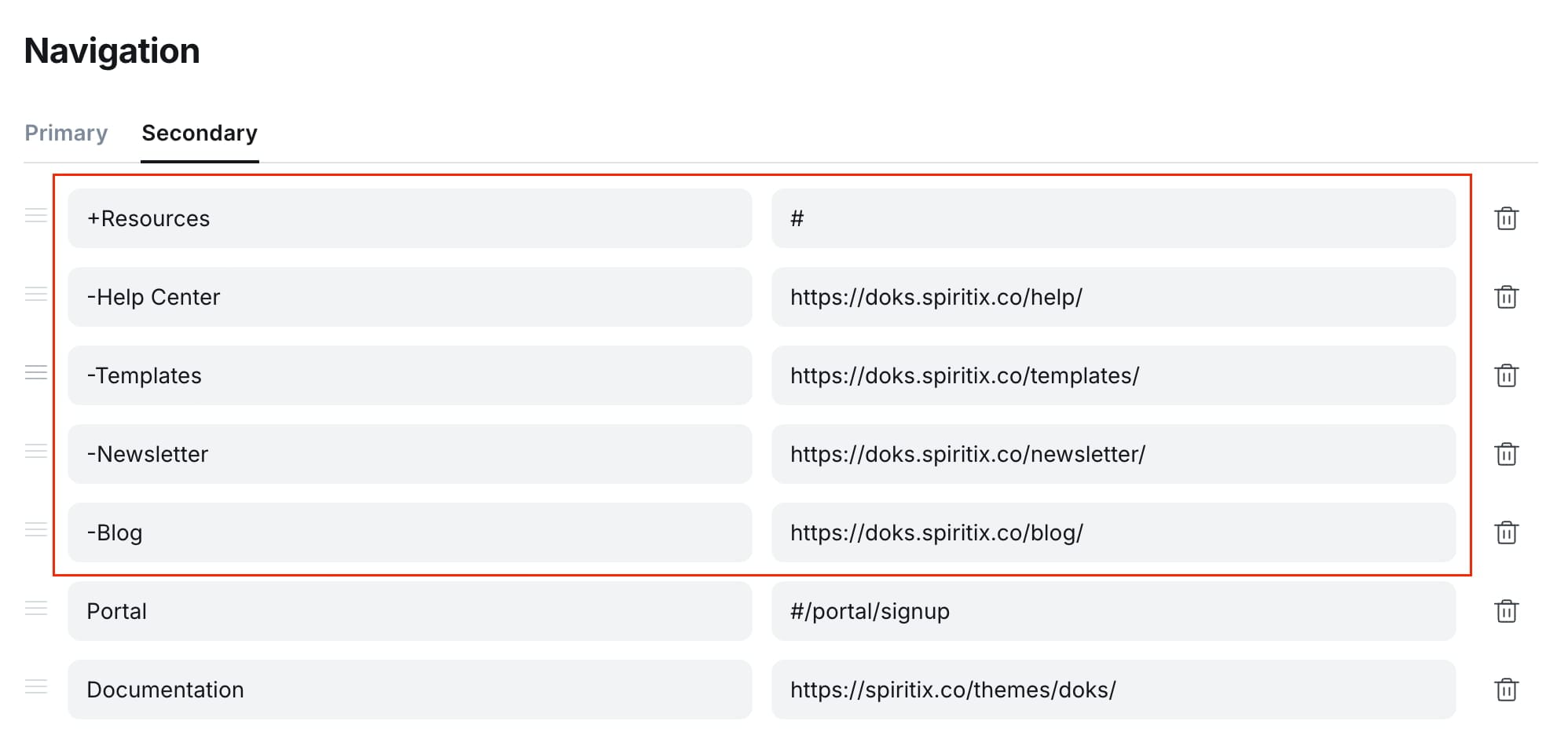
To create a column, add + at the beginning of a secondary navigation item. This item will be used as the column title, and its URL will be ignored.
Then, add items that start with - under it to create links within that column.
Make sure there is no space before the + or - characters.
Items without a prefix will be displayed normally, similar to the previous version.
Custom footer description:
You can now set a custom description for the footer in the theme setting Footer description. Leave this field empty to use the default site description.
Custom footer copyright:
You can now set a custom copyright notice in the theme setting Footer copyright. Leave this field empty to use the default copyright text.
Better social links setup:
- We now support all native social links that were added to Ghost in the latest versions in the global site settings and author profile.
- You can continue using the
#social-tags to set links for your other social accounts. - The
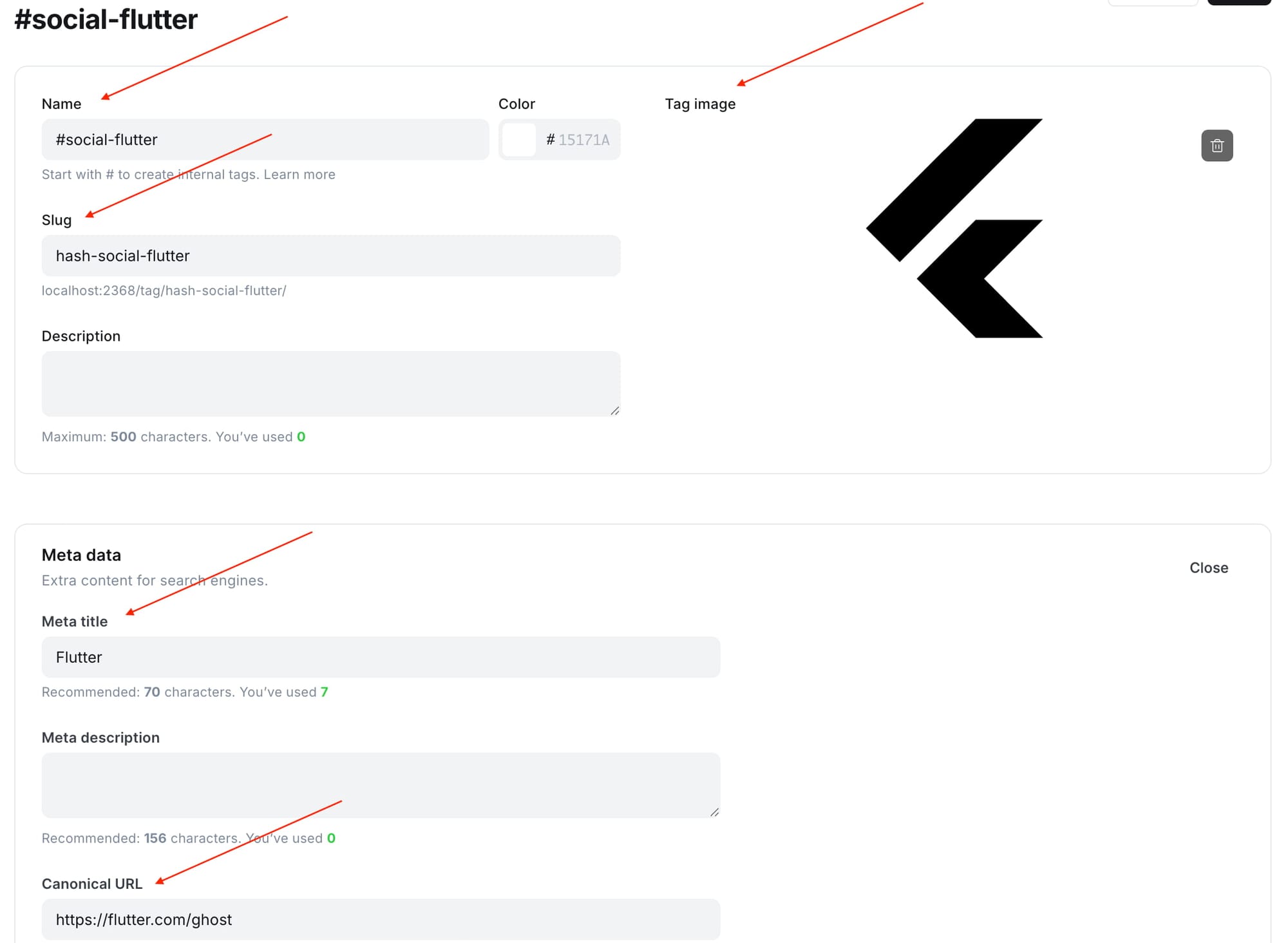
#social-tags are now sorted by name. This means that you can now edit the tag’s name to control the order in which the social links are displayed on your site. For example, you can add a number to the tag name (not the slug), like this:#social-01-discord. - You can now add a link to any social platform, even if Ghost or the theme does not natively support it. Simply create a new
#social-tag, set the URL in Meta data > Canonical URL, set the platform name in Meta data > Meta title, upload an SVG icon with a transparent background as the tag image, and finally add the tag to a public page/post.
Native share button:
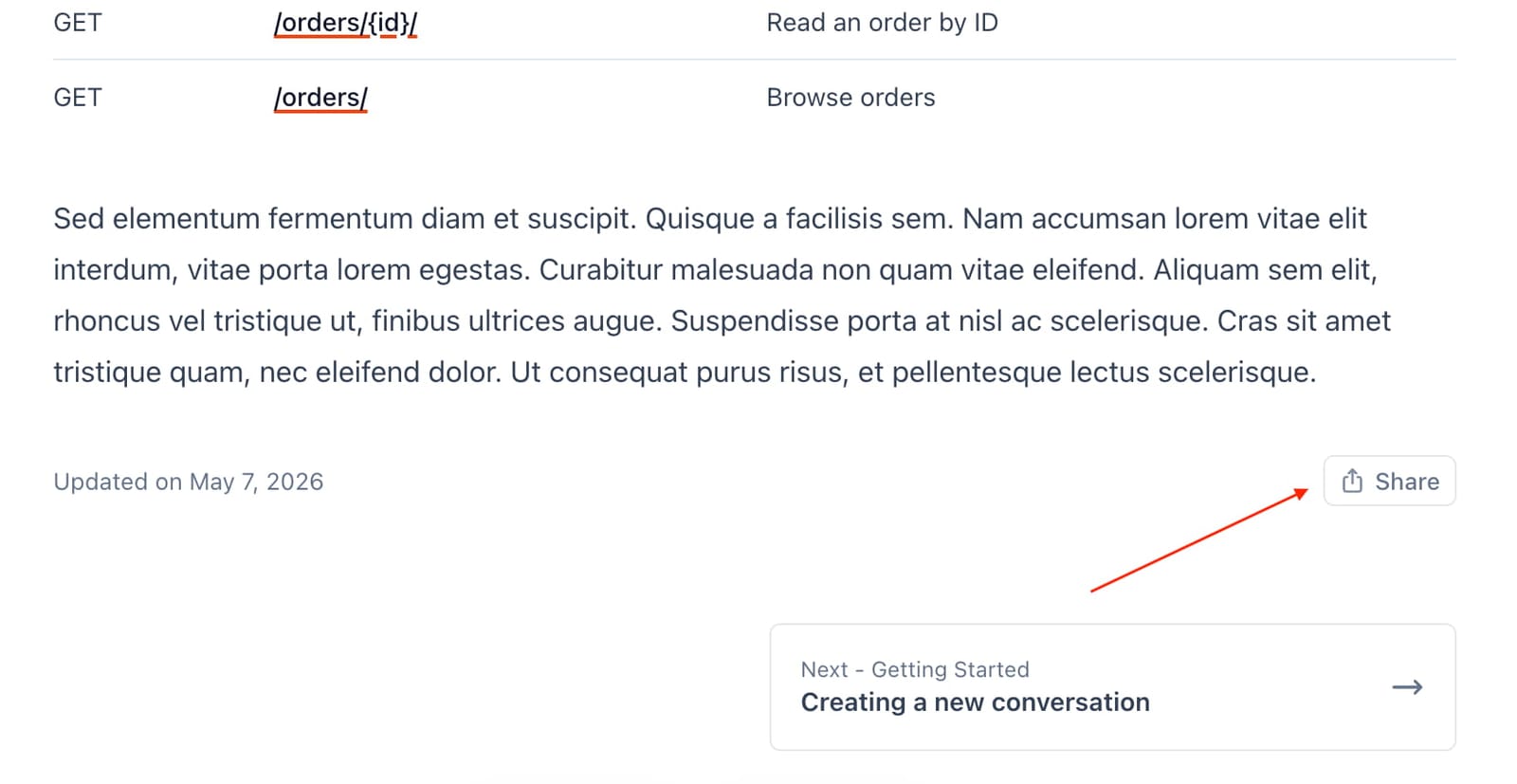
Posts now support Ghost’s new share feature.
Read more section:
The blog post template now supports a “Read more” section that displays related or latest posts. This feature only works for posts with the internal #blog tag.
Exclude from search:
You can now exclude some posts, tags, or authors from search results by injecting the following code into Settings > Code injection > Site footer and replacing the example slugs with your own.
<script>
window.Spiritix.excludeFromSearch = {
    posts: [
      "example-post-slug-1",
      "example-post-slug-2",
    ],
    tags: [
      "example-tag-slug-1",
    ],
    authors: [
      "example-author-slug-1",
    ],
  };
</script>
Other improvements:
- The “Page access” setting now works correctly on collection pages. For example, you can restrict access to the blog or roadmap feed to paid members only.
- Better support for the “Show title and feature image” option on collection pages.
- We now automatically adjust certain aspects of the site header (spacing, font size, visibility, …) to prevent layout issues when long navigation labels are used.
- Better support for URL fragments in navigation items.
- Better headings margin when visiting a page with a URL fragment.
- Clicking the TOC’s “On this page” heading now scrolls the page to the top.
- Code blocks now support line highlighting. Add the range between curly braces after the language name in the code block card e.g.
JavaScript {2-5} - Improved the CTA card styles.
- Improved image zoom feature.
- Updated dependencies, fixed bugs, improved accessibility, and made other small design tweaks.
"Sign In", "Sign Out", "Account", "Zoom", "Download", "View all", "Share", "Updated on {date}".
The French translations for "Subscribe" and "Sign in" have also been updated to be more consistent.